Picture this: It’s Friday in Salt Lake City, the Wasatch is glowing, and your family’s ready for movie night. The room looks perfect—until the cables show, the surround sounds muddled, and the Projector hiccups. Been there? You’re not alone. Good home theater wiring is the quiet hero behind every great viewing experience. Let me explain how to set it up cleanly, safely, and in a way that still looks great next year, not just on day one.
Who this guide is for (and why it matters)
This guide is for homeowners who want a tidy, reliable theater—whether it’s a bonus room in Daybreak, a Sugar House bungalow, or a basement in Holladay. If you’re building new or retrofitting, the steps below keep things simple and code‑friendly. And if you decide some parts feel like a headache, AZP Home Theaters & Automation can step in where you want help and step back where you don’t. You’re in charge.
Start with a plan you can actually follow
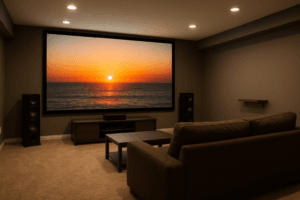
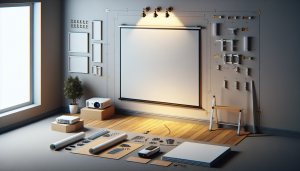
Great wiring starts on paper. Sketch the room. Mark the Screen size, seating, and speaker layout. Note where the gear will live. A media closet? A low cabinet? On-wall? It’s all connected.
Choose your audio footprint now, not later: 5.1, 7.1, or Dolby Atmos like 5.1.2 or 7.2.4. Heights and angles matter, but don’t overthink every millimeter. Know your target, then wire to support it.
Here’s the thing: even if you’re “just doing a soundbar” today, run extra cable paths. Your future self will thank you when you add rear speakers or a projector without opening walls.
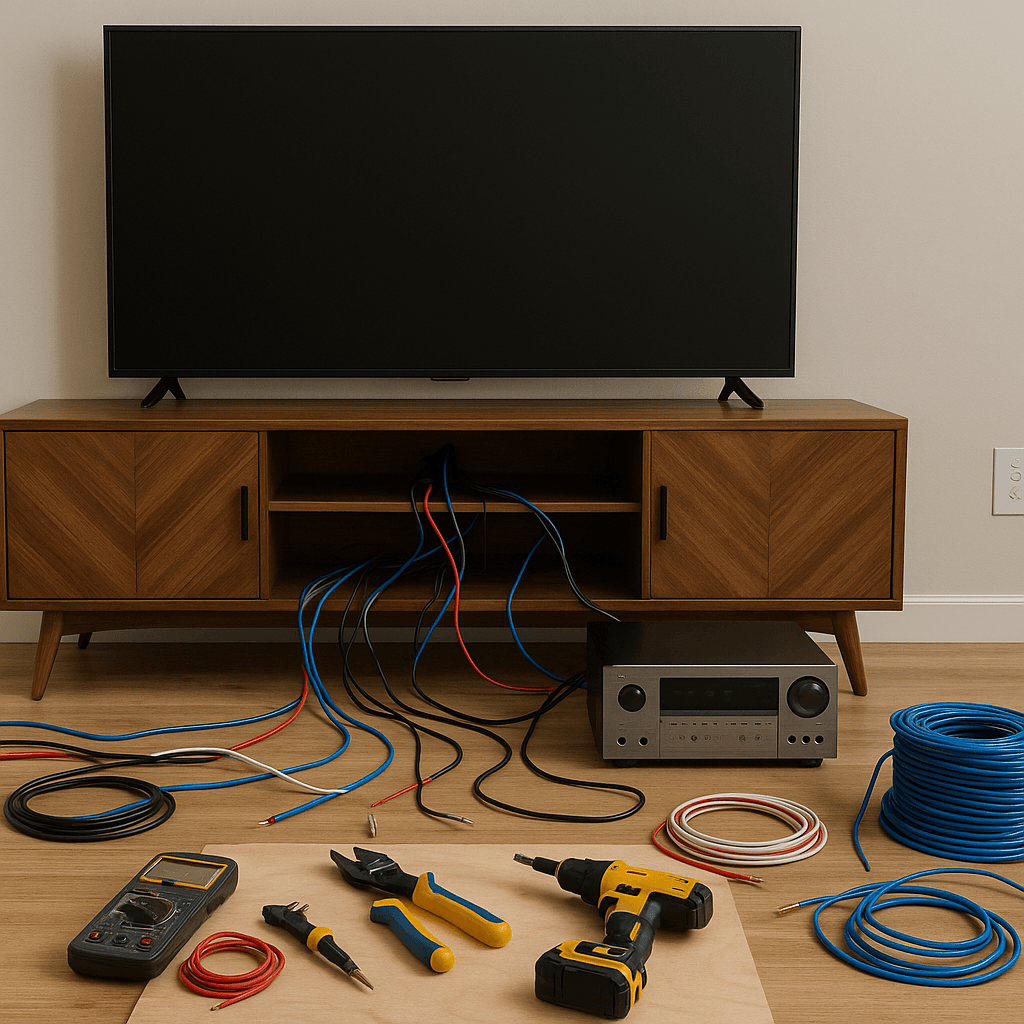
Tools and materials that make life easier
You don’t need a contractor’s van. A short list of the right parts beats a garage full of wrong ones.
- In‑wall rated cable: CL2/CL3 speaker wire; plenum-rated (CMP) if it runs through return air spaces.
- HDMI 2.1 active fiber cable for long runs to a projector or wall‑mounted TV.
- Cat6 or Cat6A for control, network, and HDMI extenders.
- RG6 Quad‑Shield for subwoofers with long runs or coax sources.
- Conduit with pull string for future upgrades.
- Keystone wall plates, low‑voltage brackets, and labels.
- Fish tape, flex bits, and a toner probe for tracing.
- Cable staples or J‑hooks that won’t crush the jacket.
Brands we trust for clean installs in the valley: Blue Jeans Cable, Monoprice, Furman or Panamax for power, and Middle Atlantic for an equipment rack that actually breathes.
| Wire Type | Use Case | Rating to Look For |
|---|---|---|
| 14/2 or 12/2 Speaker Wire | Fronts, surrounds | CL2/CL3 in‑wall |
| HDMI Fiber 2.1 | Projector/long TV runs | 48 Gbps, eARC support |
| Cat6/Cat6A | Streaming, control, extenders | CM/CMR or CMP where needed |
Wiring basics in plain English
Low‑voltage wires carry signal. High‑voltage wires carry power. Keep them friendly but separate. Maintain about 12 inches between them when they run parallel; cross at 90 degrees if they must meet. That cuts hum and keeps picture clean.
Avoid tight bends—think gentle curves, not sharp corners. Leave a little “service loop” at each end so you can trim and re‑terminate later. It feels like extra, but it saves headaches.
And yes, wires are simple… until they aren’t. The rules above prevent the weird issues that show up only when the room’s full and the credits are rolling.
Step‑by‑step: a clean home theater wiring walkthrough
1. Pre‑wire or retrofit rough‑in
New build? Run cabling before drywall. Staple to studs lightly and use nail plates when you pass through studs near the edge. Existing room? Use low‑voltage brackets and fish tape through bays. It’s slower, but still tidy.
2. Speakers: size, gauge, and placement
For most rooms, 14 AWG is fine up to 60–70 feet. For longer runs or big rooms, step to 12 AWG. Keep heights consistent, aim tweeters generally at ear level, and plan for Atmos ceiling speakers if you want overhead effects later. Mark stud locations so you won’t cut into bracing or pipes.
3. Video and control wiring
Run one HDMI 2.1 fiber from the rack to the display. Add two Cat6 lines as a backup and for network/controls. Projector planned? Route through conduit to the ceiling box so replacing an HDMI cable takes minutes, not hours.
4. Subwoofers and bass management
Even if you start with one sub, run two RG6 lines to different walls. Bass is finicky. Having multiple locations gives you far cleaner low end—especially in rectangular Utah basements.
5. Power that won’t bite you later
Use a code‑compliant recessed outlet behind the TV or projector—never run plain power cords through walls. At the rack, add a quality surge protector or power conditioner. If possible, a dedicated 20A circuit keeps noise and nuisance trips down.
6. The rack and ventilation
Stacking gear in a cabinet looks sleek but cooks components. Use a ventilated equipment rack with front and rear space for cables. Leave 3–5 inches behind gear. Add a quiet fan if the door stays closed.
7. Labeling and documentation
Label both ends of every cable. Simple: Room Front Left, Room Sub 1, Projector HDMI. Take photos of every wall before it’s closed. A one‑minute photo saves a two‑hour hunt later.
8. Testing and calibration
Before you close walls, use a toner or at least a speaker battery test for polarity. After install, run your receiver’s room correction (Dirac, Audyssey, YPAO). It won’t fix a bad room, but it does tighten timing and balance.
Common mistakes we see (and how to avoid them)
- Mixing low‑voltage and high‑voltage in the same box. Use separate boxes or listed combo plates.
- Skipping conduit to a projector. Things change. Conduit future‑proofs without drama.
- Using cheap, non‑rated wire. In‑wall requires CL2/CL3 or CMP where applicable.
- Running a single sub line. Add a second. Bass behaves better with options.
- Forgetting internet. Streamers and receivers love hard‑wired Cat6. Wi‑Fi is good; wire is better.
Honestly, most “mystery issues” aren’t mysteries. They’re one of these.
Salt Lake City quirks you should plan for
Basements are common here, which is great for theaters. But they also reflect bass in odd ways. Allow for a second sub line and consider basic Acoustic treatment behind the seating wall. Nothing fancy—just enough to tame slap echo.
SLC’s dry air can build static. Keep cables off tack strips and metal edges. Use grommets when passing through metal framing. And if you’re in an older Sugar House home with plaster, budget extra time for careful fishing—those walls can crumble if rushed.
Code tip: seal fire‑stops with approved caulk after pulling wire and use nail plates where needed. It’s small, but inspectors notice, and it’s safer.
Retrofit without wrecking the room
Fishing wires through existing walls feels scary, but it’s very doable with the right tools. Work from attic or basement where possible. Use flexible drill bits to reach through top or bottom plates. Cut small, smart openings where you can cover with wall plates afterward. You know what? A single run can take longer than you think. Plan breaks. Patience beats patchwork.
Smart home tie‑ins that make movie night feel seamless
This is where wiring pays off. With two spare Cat6 lines at the display and the rack, you can add Lighting scenes, voice control, and automated shades later—great for those bright Utah afternoons. Systems like Control4 or similar platforms bring it all together: one button, lights down, projector on, input set, volume perfect. No juggling remotes.
Safety, permits, and when a pro makes sense
You can DIY a lot of this. But electrical outlets, new circuits, and penetrations through rated assemblies may need permits or a licensed electrician. If you’re unsure, ask. We handle permitting and coordinate with trades all the time.
And if you’d rather skip the learning curve, we get it. We design, wire, install, and calibrate theaters across the valley. Quietly. Cleanly. On time.
Ready to make movie night better?
If you want a tidy, future‑ready setup that sounds big and looks clean, we’re here to help. AZP Home Theaters & Automation serves homeowners across Salt Lake City and the surrounding communities, from new builds to careful retrofits.
Call us at 385-475-3549 or Request a Free Quote. Tell us what you’re dreaming up. We’ll wire it right—so your theater feels like an escape, not a project.