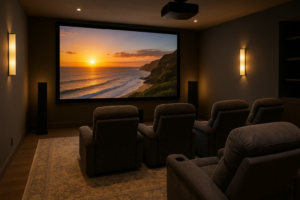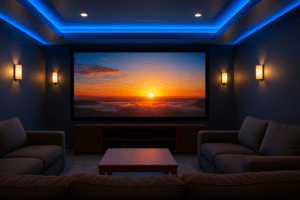
Movie night hits different when the picture fills your wall and the sound wraps around you. If you’ve been picturing a big, brilliant Screen in your Salt Lake City home—maybe a cozy basement in Sugar House or a bright great room in Daybreak—you’re in the right place. Here’s the thing: Projector and screen installation has a few moving parts. Get them right, and you’ll be smiling through the previews every single time. Miss a couple details, and you’ll be fiddling with settings while the popcorn gets cold. Let me explain how to make it easy, smart, and flat-out fun.
Light first, everything else second
Before we talk brands or screen sizes, let’s talk room light. Utah’s sunshine is no joke—especially with those big south- and west-facing windows. Basements are naturally darker, which helps. Main floors with clerestory windows? Beautiful, but tricky for projection.
Two simple rules carry a lot of weight:
- Control ambient light. Add blackout shades, dimmers, and darker wall paint near the screen. Even a simple curtain on a side window can help a ton.
- Pick the right screen material. In brighter rooms, an ALR screen like Screen Innovations Slate or Elite Screens CineGrey steers light away from your eyes, keeping the image punchy. In darker rooms, a traditional white screen (1.0–1.3 gain) looks wonderfully natural.
Honestly, we’ve saved more rooms with the right screen material than with any fancy projector setting. If light is winning, don’t fight it—choose gear that works with it. That’s the secret behind great projector installation in Salt Lake City.
How big should your screen be? Bigger isn’t always better
It’s tempting to go huge. We get it. But the best size fits your room and your eyes. For most families, a viewing angle around 36–45 degrees feels cinematic without causing neck strain.
Use this quick cheat sheet for reference:
| Seating distance | Recommended screen (diagonal) | Viewing feel |
|---|---|---|
| 8–9 ft | 92–110 in | Immersive but relaxed |
| 10–11 ft | 110–120 in | Movie-theater sweet spot |
| 12–14 ft | 120–135 in | Big, bold, “wow” size |
You know what? Sometimes we recommend going a touch smaller to boost perceived brightness and sharpness, especially if the room isn’t pitch black. Counterintuitive, but it works.
Aspect ratios: 16:9 or 2.35:1? Pick your favorite flavor
Most streaming shows and sports use 16:9. Many big-budget films are wider at 2.35:1 or 2.40:1. You can’t cheat physics; one of them will show small black bars somewhere.
- 16:9 screen. Great for TV, sports, gaming, and general use. Movies will have small top-and-bottom bars.
- 2.35:1 “Cinemascope” screen. Incredible for films. Regular TV will have side bars unless you zoom or use lens memory.
- Acoustically transparent screens. Hide speakers behind the screen for perfect dialog height. Stewart Filmscreen, Seymour-Screen Excellence, and Elite AcousticPro are proven winners.
Screen material matters more than you think
| Screen material | Best for | Note |
|---|---|---|
| White 1.0–1.3 gain | Dedicated dark rooms | Most accurate color |
| ALR/CLR | Living rooms with light | Helps fight window glare |
| Acoustic weave | Behind-screen speakers | Mind the projector’s brightness |
Fixed-frame screens look clean and stay tight. Motorized screens vanish when you’re not watching—perfect for multipurpose spaces.
Brightness, resolution, and color: horsepower for your picture
Think of lumens as horsepower. More isn’t always better, but it’s nice when you need it. For darker rooms, 1,500–2,200 lumens on a mid-size screen looks beautiful. For brighter rooms or bigger screens, 2,500–3,500 lumens helps. True 4K with good contrast is where the magic shows up.
- Projector types. Epson’s 4K PRO-UHD LCD, Sony’s true 4K SXRD, JVC’s D-ILA—they each have a look. We match the model to your room and taste.
- HDR tone mapping. Not all HDR is equal. Good tone mapping keeps highlights bright without washing out faces. JVC and Sony are especially strong here.
- High altitude note. Salt Lake sits around 4,200 feet. Some projectors use an “altitude” mode, which bumps fan speed and noise. We factor that in when choosing and placing the unit.
Calibration matters too. A quick professional tune can turn “pretty good” into “wow.” It’s the chef’s kiss for your home theater projector.
Placement, throw distance, and lens shift: measure twice, mount once
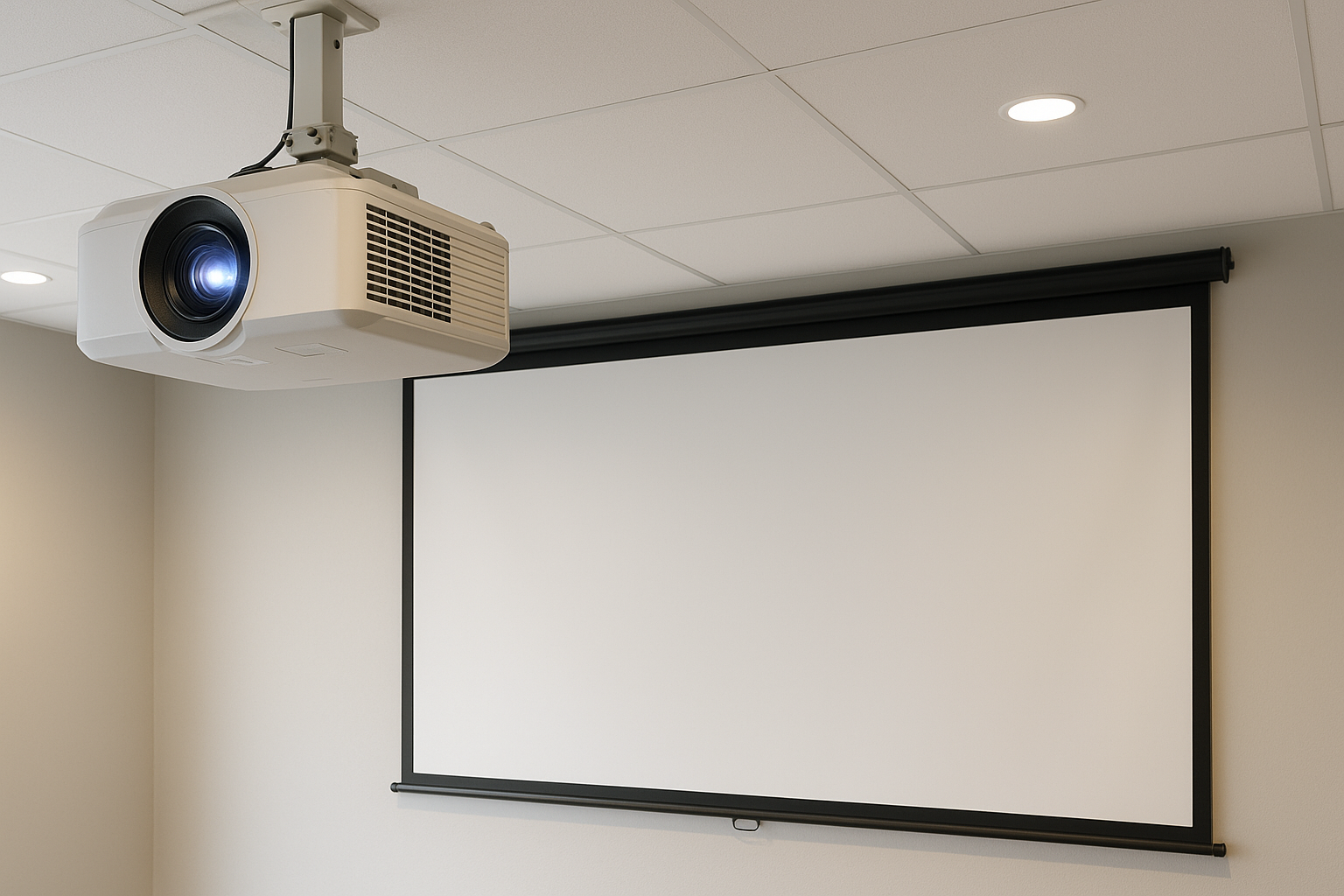
Every projector has a throw ratio. In plain English, it tells you how far back the projector needs to sit for a given screen width. Short-throw and ultra-short-throw models can sit close, but they come with their own rules about screen material and surface flatness.
- Lens shift. This lets us move the image up/down/left/right without tilting the projector, which keeps focus uniform. It’s a lifesaver in rooms with beams or ceiling fans.
- Ceiling height. We check lens height vs. screen center to avoid keystone correction, which can soften edges.
- Noise and heat. A proper mount, good ventilation, or a hush box can keep fan noise out of earshot.
We also double-check the view path so nobody’s shadow crosses the screen during an intense Jazz game replay. It happens.
Wiring, power, and control: invisible, reliable, and ready for 4K120
Nothing kills a sleek setup like a dangling cable. We run clean lines, label everything, and leave slack where future tech might live.
- HDMI and beyond. For long runs, we recommend active fiber HDMI rated for 48 Gbps or an HDBaseT extender for 4K HDR. Lag matters for gamers—Xbox Series X and PS5 owners, we see you.
- Power and protection. A surge protector or power conditioner is cheap insurance. In old bungalows, we may add a dedicated outlet at the projector location.
- Control systems. One-button start with Control4, URC, or a well-programmed Harmony makes life easier. Voice works too: “Hey Google, movie night.” Feels good every time.
Streaming sources like Apple TV 4K, Roku Ultra, and Nvidia Shield are rock solid. We’ll set your audio and video to handshake properly, so the screen goes bright fast and stays that way.
Sound still matters: speakers and room treatment
We know this is “projector and screen,” but hear us out. Dialog clarity and bass control make or break the experience. A fantastic picture with thin sound feels unfinished.
- Speaker placement. Left/center/right behind an acoustically transparent screen gives you that theater realism. If not, we mount the center as close to ear height as possible.
- Dolby Atmos. In-ceiling or on-ceiling speakers add space and height to the mix. Even a 5.1.2 layout feels night-and-day better than TV audio.
- Room treatment. A few fabric panels can tame echoes in those gorgeous but reflective great rooms.
And yes, we tune subwoofers. One well-placed sub beats two boomy ones. Usually.
Salt Lake City homes are unique: a few local notes
Older Avenues homes may hide plaster-and-lath walls, which changes how we mount and fish cables. Newer construction in Herriman or South Jordan often comes with low-voltage prewire that saves time and patchwork. Basements in Sandy stay cooler, which projectors love, but we still plan for ventilation.
Winter brings early sunsets—perfect for movie nights. Summer brings long, bright evenings, so we plan shading. We also consider what’s above the ceiling: ductwork, fire blocks, or a sneaky beam. The little things make your system feel custom because, well, it is.
Common “gotchas” we prevent before they happen
- Wrong throw distance. Even a few inches off can break your layout. We map it first.
- Underpowered projector. Big screens need more light. We balance size and brightness.
- Noisy fan near seating. We place the projector where you won’t hear it.
- Reflections around the screen. Glossy paint and bright sconces wash the picture. We fix that.
- Weak Wi‑Fi at the rack. We hardwire streaming or boost your network for smooth playback.
It sounds like a lot, but once you’ve seen a well-planned setup, you’ll never go back.
What about budget? Smart places to spend
Here’s a simple stack rank for the biggest “wow per dollar” in most rooms:
- Screen material and size. Get this right first. It shapes everything else.
- Light control. Shades and dimmers matter. They make your projector look expensive.
- Projector performance. Step up where it counts: contrast, HDR, and quiet operation.
- Audio and subwoofer. Your chest should feel the roar without shaking the dishes.
- Control. One remote to rule them all. Your future self will thank you.
We’re happy to phase projects, too—screen and wiring now, projector next season, audio polish after. No pressure; just a plan.
Why AZP Home Theaters & Automation?
We live here. We know the snow glare bouncing off the mountains, the quirks in 90s basements, and the way sun pours into open-concept kitchens. AZP designs and installs home theater systems that feel like they belong in your house, not a catalog.
- Local expertise. Salt Lake City light, altitude, and architecture—checked.
- Clean installs. Proper mounts, hidden wiring, labeled everything. It’s neat because it should be.
- Calibration and training. We tune color and sound, then show you how to run it without fuss.
- Future-ready. Conduit where it counts, firmware updates, and service when you need it.
From family movie nights to big-game watch parties, we build systems that just work—every time you hit play.
Ready for crisp, cinema-grade nights at home?
If you’re thinking about a home projector and screen installation in the Salt Lake City area, we’d love to help you plan it right, install it clean, and make it sing.
Call AZP Home Theaters & Automation at 385-475-3549 or tap below to Request a Free Quote. We’ll ask a few questions, sketch a smart plan, and get you watching sooner than you think.
Request a Free Quote