Salt Lake City homes are built for gathering—snowy movie nights in the basement, big-game Sundays in the family room, and those after-dinner playlists humming through the kitchen. But when a new home entertainment system doesn’t quite sound or look right, it’s frustrating. Wires show. Dialogue feels muffled. The picture pops in the store but falls flat at home. You’re not alone. At AZP Home Theaters & Automation, we see the same handful of mistakes trip up well-meaning DIY projects across the Wasatch Front. The good news? With a little planning and a few pro tips, you can avoid the headaches and love your setup from day one. Let me explain.
Starting With Gear Before You Plan the Room
It’s tempting to snag the big sale first. We get it. But buying a massive TV before measuring viewing distance or choosing speakers before checking your room’s layout is like buying ski boots before knowing your size. It can work—kind of—but not comfortably.
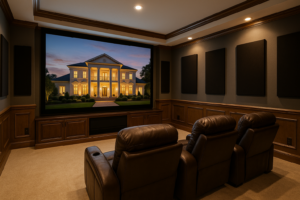
Here’s the thing: the room calls the shots. Sunlight from those bright Utah windows? It’ll affect your TV choice. A long, narrow Sugar House living room? It changes where speakers should sit. A basement theater in Daybreak with a low ceiling? That dictates your Screen size and Projector throw distance.
A quick sizing guideline helps:
- 65-inch TV: Ideal seating is about 7 to 9 feet away.
- 75-inch TV: 8.5 to 10.5 feet is the sweet spot.
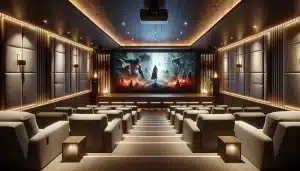
- 120-inch projection screen: Around 11 to 14 feet keeps it immersive, not overwhelming.
If you plan first—seating, screen, speakers, and wiring paths—everything else falls neatly into place. Honestly, that one step prevents most pain later.
Forgetting About Acoustics (Yes, Your Room Has a Sound)
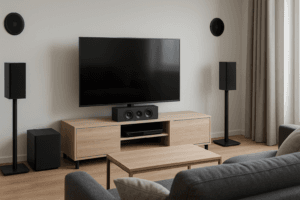
Hard floors, big windows, and bare walls look clean but can make sound bounce like a racquetball court. You don’t need a studio, but you do need to control echo and flutter. Simple fixes go a long way in a Home Theater Installation:
- Soften the room: Add a rug, curtains, and a bookshelf. Even a plush sofa helps absorb reflections.
- Mind first reflections: If you can see a speaker in a mirror from the seating spot, that wall or ceiling likely needs a soft surface nearby.
- Bass control: Corners build up boom. Moving the subwoofer a foot or two can smooth bass more than any setting on the receiver.
You know what? Most people are surprised: dialing in the room often improves sound more than upgrading speakers.
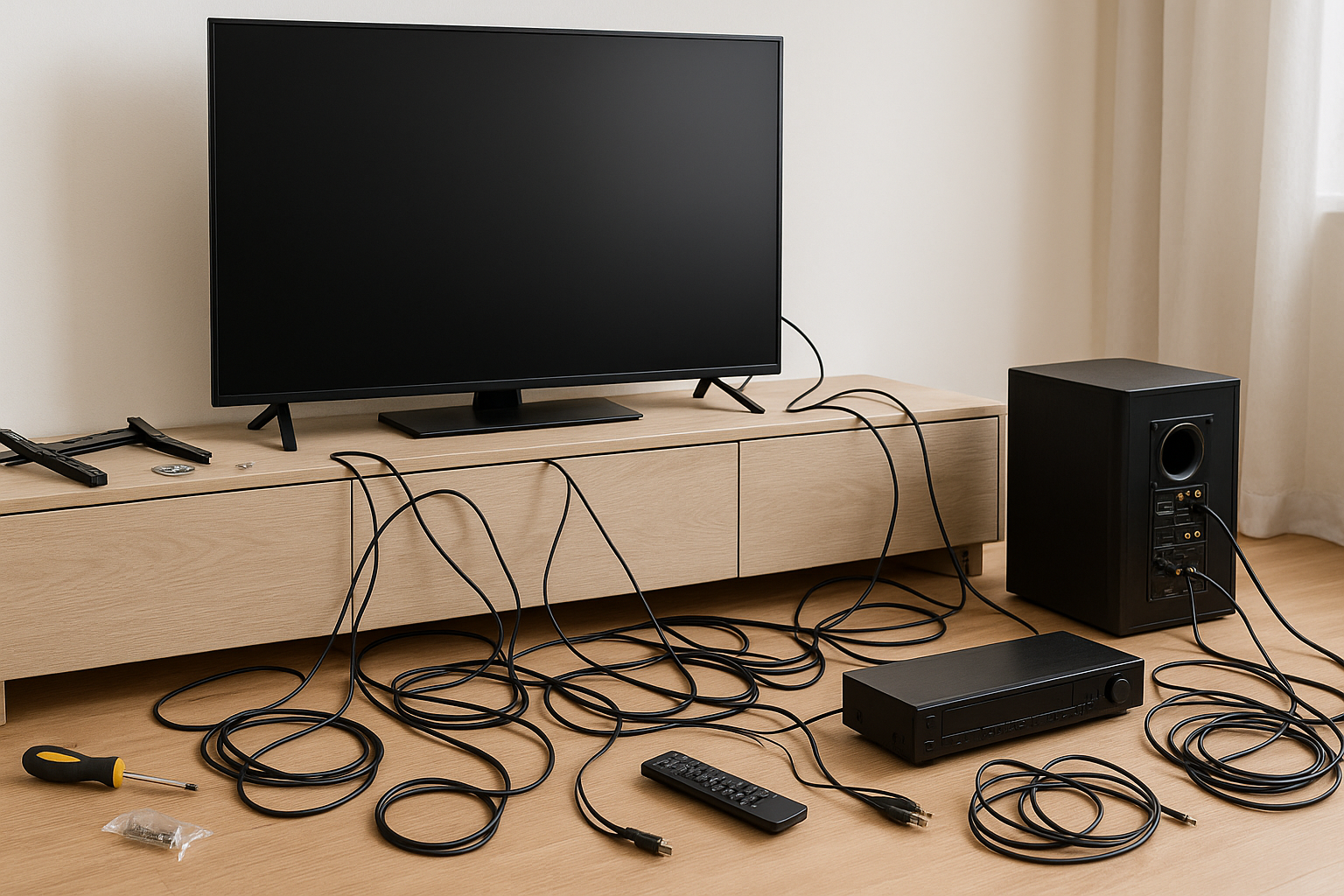
Cable Chaos, Underpowered Wiring, and “We’ll Hide It Later” Plans
Wires are the unglamorous backbone of a clean, reliable system. Skimp here and you’ll chase gremlins for months. A few rules we live by at AZP Home Theaters & Automation:
- Run conduit where you can: A simple flexible conduit behind the TV or through a media wall lets you upgrade HDMI cables later without tearing up drywall.
- Choose the right cables: For 4K/120 gaming and future-proofing, buy certified HDMI 2.1 cables. Going in-wall? Look for CL2/CL3-rated HDMI and speaker cables—14/2 or 12/2 for fronts and surrounds is common.
- Separate power and data: Keep electrical and low-voltage lines a few inches apart to reduce interference. Never share the same box unless it’s designed for both.
- Plan speaker wire now: Even if you’re starting with a soundbar, run wire for future surrounds while walls are open. Your future self will thank you.
Older Salt Lake homes—especially those with plaster and lath—can hide surprises. Pre-wire thoughtfully and label everything. It’s not fussy; it’s smart.
Mounting the TV Too High (Or into the Wrong Stuff)
We’ve all seen it—the TV mounted like artwork, beautiful but a pain in the neck. Literally. Aim for eye level: center of the screen at seated eye height, around 42 inches for most sofas. Over a fireplace? Try a tilt mount and keep the screen as low as the mantle allows.
A few extra notes for safety and sanity:
- Hit studs, not hopes: Use a stud finder, not guesswork. Full-motion mounts need solid backing; use proper anchors or a mounting plate if studs aren’t centered.
- Defeat glare: Utah’s bright sun can wash out even an OLED. Consider a matte or brighter set in bright rooms, add shades, or adjust angle with a swivel mount.
- Hide the power: Use a power relocation kit or in-wall power solution designed for TVs. It’s cleaner and code-friendly.
Mounting looks simple until it’s not. Measure twice, lift once, breathe easy.
Skipping the Network Plan (Streaming Is the New Disc)
4K HDR streams pull real bandwidth. Add a few phones, gaming consoles, and smart gadgets, and your Wi‑Fi starts to wheeze. If movies buffer during storms or big family gatherings, it’s not the movie—your network needs help.
What works well in Salt Lake City homes:
- Hardwire the heavy hitters: Use Cat6 to the TV, receiver, streamer, and gaming console. Save Wi‑Fi for mobile devices.
- Mesh systems done right: Eero, Google Nest, or Ubiquiti UniFi give better coverage in multi-level homes. Place nodes in open areas, not in cabinets or behind TVs.
- Quality of Service (QoS): Prioritize streaming and gaming on your router. No more frame drops mid-kickoff.
A stable network makes your whole system feel expensive—even if it wasn’t.
Overlooking Control: Remotes, Apps, and “How Do I Watch TV Again?”
Complicated controls kill enthusiasm fast. One button should start a movie, set the lights, and switch inputs, not spark a scavenger hunt for four remotes. Universal control keeps the peace.
Options we like:
- Control4 or URC: Reliable whole-home control that plays well with AV, Lighting, and shades.
- Smart remotes and voice: Apple TV remote, NVIDIA Shield, or Alexa/Google Assistant can be part of the plan—just don’t rely on voice for everything.
- Simple scenes: “Movie Night” can set volume limits, dim lights, and select the right input. Easy equals used.
Slight contradiction here: yes, you can run a system with just TV and streaming apps. But if you’ve got a receiver, multiple sources, and a projector, a unified controller saves time daily.
Power, Ventilation, and the Heat Problem No One Talks About
Electronics hate heat and power spikes. Closets become saunas; equipment fans get loud; and winter dry air can even add static. Protect your investment with a few basics:
- Surge protection and conditioning: Brands like Panamax or Furman provide clean power and meaningful surge protection.
- Battery backup for sources: A small UPS for a media server or network gear prevents headaches during short outages.
- Ventilation: Leave space in cabinetry, add a quiet fan if needed, and avoid stacking warm components.
If your gear lives in a utility closet, check it after a movie night. If it’s toasty, add airflow. Simple fix, long life.
Skipping Calibration and Living With “Vivid” Mode
New TVs default to torch-bright store modes. They sell sets under fluorescent lights, not in your cozy living room. Switch to Movie, Cinema, or Filmmaker mode for more accurate color and easier-on-the-eyes brightness. Tweak the rest only if needed.
Audio deserves a quick tune-up too:
- Run room correction: Many receivers—Denon, Marantz, Yamaha—offer Audyssey or Dirac. Follow the prompts with the mic in the main seats.
- Check levels: Center channel slightly hot helps dialogue. Use an SPL app if you’re curious; it’s surprisingly fun.
- eARC and lip sync: Enable eARC on both TV and receiver for lossless audio from apps. If voices don’t match lips, nudge lip-sync delay in the AVR.
Five minutes of settings can make a mid-range system sound and look elite. No exaggeration.
A Little Local Flavor: Salt Lake City Rooms Have Quirks
Basement theaters are common here, which is great for light control and insulation—but watch low ceilings with overhead Atmos speakers. Use slim in-ceilings or consider up-firing modules if clearance is tight. Upstairs great rooms with two-story ceilings? Add soft surfaces or targeted Acoustic panels; it’s not just style, it’s function.
Seasonally, winter means longer movie nights—so go for comfy seating and warm dimmable lighting. Summer? Backyard projectors are huge right now. Use an outdoor-rated screen, a brighter projector, and weather-safe power. Store gear indoors when not in use; the Utah sun is no joke.
Quick Reference: Common Pitfalls and Easy Fixes
| Mistake | Fix | Why It Matters |
|---|---|---|
| TV mounted too high | Center screen near seated eye level; use tilt mount if needed | Prevents neck strain; improves perceived contrast |
| No plan for wiring | Run conduit; label cables; separate power and data | Easier upgrades; fewer signal issues |
| Room echo | Add rug, curtains, and soft furnishings | Clear dialogue; tighter bass |
| Weak Wi‑Fi at the TV | Hardwire with Cat6 or add mesh node nearby | Smoother streaming; stable 4K |
| “Vivid” picture mode | Use Movie/Cinema/Filmmaker mode | Natural color; less eye fatigue |
When a Pro Makes Life Easier
Could you do it all yourself? Sure. But if pulling wire through finished walls in a 90-year-old bungalow or programming a receiver menu gives you hives, bring in a team that does this every day. At AZP Home Theaters & Automation, we design around your room, your style, and your budget. We’re local to Salt Lake City—which means we’ve seen funky ceiling angles in Foothill homes, challenging sunlight in South Jordan great rooms, and charming-but-tricky plaster in Sugar House.
We’ll measure, pre-wire, mount, calibrate, and set up control so your family can just press “Watch.” No spaghetti wiring, no mystery remotes, no guesswork. Think of us as your friendly AV trail guide: we’ve hiked this path, and we know where people usually slip.
Ready to Enjoy Your System the Way You Imagined?
If you’re planning a new home entertainment system in Salt Lake City or you’re frustrated with one that’s not quite right, we’d love to help. Call 385-475-3549 to speak with our team at AZP Home Theaters & Automation—we’ll listen, offer practical options, and keep it straightforward.
Prefer a quick start? Request a Free Quote and we’ll map out a clean, reliable setup that looks sharp, sounds crisp, and genuinely fits your home. You’ll press play, smile, and wonder why it didn’t feel this easy before.