If a great movie is half story and half mood, the other half is picture. Yes, that math’s a little off—but you feel it when a Projector fills your wall with a bright, crisp image and the room melts away. If you’re building a theater in Salt Lake City or turning a family room into game day central, a perfect HD projector setup is the not-so-secret sauce. Let’s make it easy, practical, and a little fun.
Why a projector beats a big TV (most of the time)
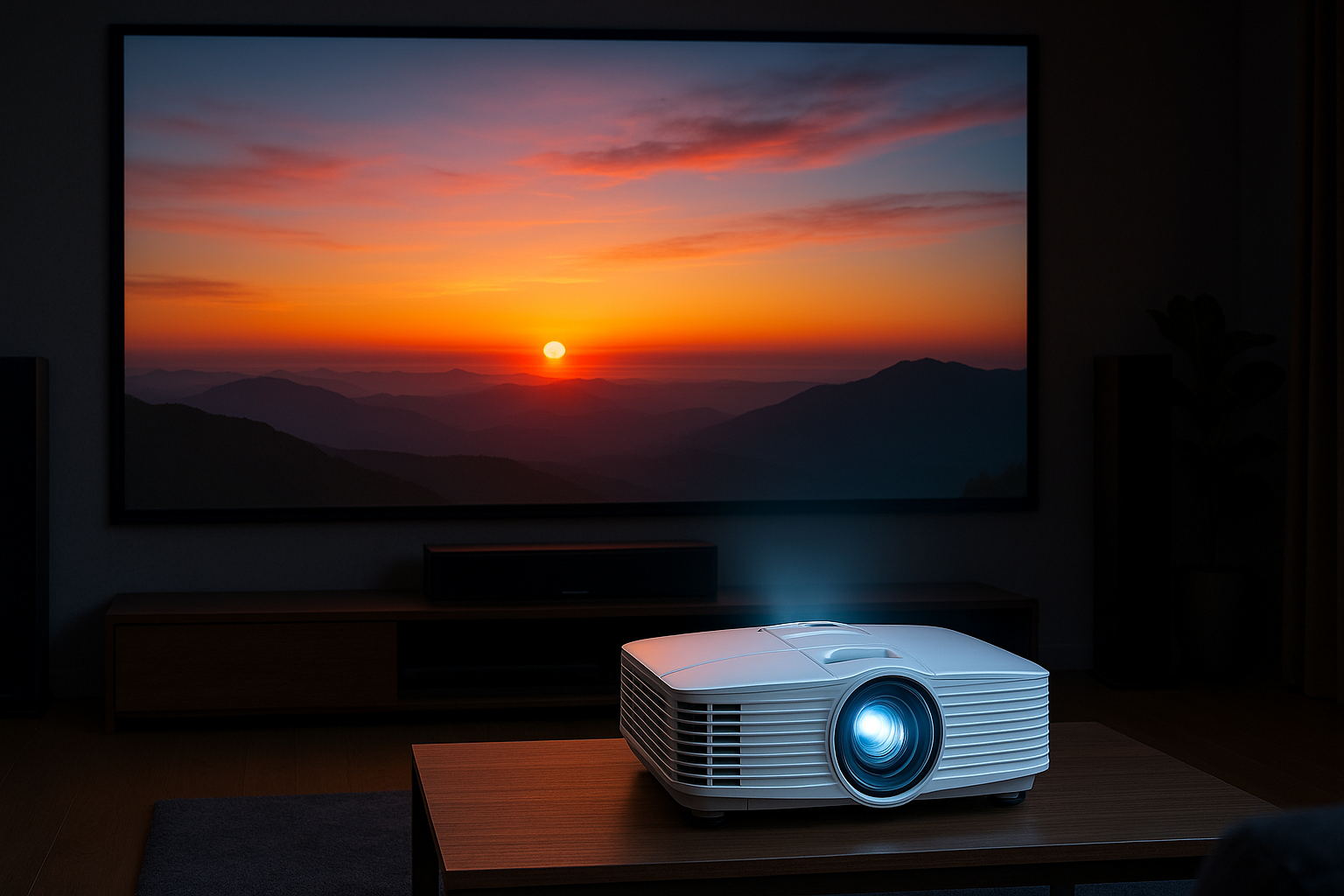
A projector gives you size that a TV can’t touch without sending your budget sky high. A 120-inch Screen makes scenes breathe. Sports feel real. Games get huge. And with the latest 4K projectors from Epson, Sony, JVC, and BenQ, you get rich color and razor-sharp detail—without a wall-hogging slab of glass.
Here’s the thing: a great projector doesn’t just blow up the picture. It scales it well and keeps it bright. With the right screen and smart placement, you’ll enjoy a cinematic image that still looks good on a Tuesday night when the kitchen lights are on.
You know what? TVs are still awesome for bright living rooms and quick news hits. But for movie night, a projector wins on immersion and value per inch. That’s why so many homeowners in Salt Lake City choose a Home Theater Installation with a dedicated projector and screen.
Bright Utah days, dark movie nights: managing light
We live with serious sun. Bluebird mornings bounce off the Wasatch, and even “soft” afternoon light can wash a screen. Plan around it and you’ll be golden.
– Mind your lumens. In a light-controlled room, 1,500–2,200 lumens is usually plenty. In a multipurpose room with windows, aim for 2,500–3,500 lumens or add window treatments.
– Pick the right screen. ALR (ambient light rejecting) screens help in bright rooms. A white 1.0–1.3 gain screen works great in darker rooms for even color.
– Tame reflections. Matte paint, area rugs, and light-absorbing decor help more than you’d think. A little style goes a long way here.
If you like numbers, target 16–30 foot-lamberts on screen. If you don’t like numbers, that’s okay. We measure it for you and make sure it looks bright without blowing out your highlights.
The right projector for your room (no guesswork)
Projectors aren’t one-size-fits-all. Distance, lens features, and what you watch really matter.
– Throw distance and lens shift. Long-throw units fit most rooms. Short-throw works when you can’t mount far back. Lens shift lets us move the image without tilted mounts or keystone.
– Laser vs. lamp. Laser runs cooler, starts fast, and lasts longer. Lamps cost less upfront and still look fantastic.
– HDR and color. Look for HDR10 support and a good color gamut (Rec.709 for HD, DCI-P3 for wide color).
– Gaming and sports. Low input lag (under ~25 ms) and good motion handling keep action smooth.
A quick cheat sheet helps visualize things:
| Room length | Recommended screen | Typical throw range |
|---|---|---|
| 12–14 ft | 100–110 inches | 9–12 ft |
| 15–18 ft | 120–135 inches | 12–15 ft |
| 19–22 ft | 140–150 inches | 14–18 ft |
We measure your space, check ceiling heights (hello, Sugar House basements), and recommend the right gear—not guesswork, just fit.
Screen size and seating: the sweet spot
Bigger isn’t always better. You want a viewing angle that pulls you in without making you squint. Try this simple rule:
– For 100 inches: seats about 10–11 feet back
– For 120 inches: seats about 11–12.5 feet back
– For 135 inches: seats about 12.5–14 feet back
This lands you in that 30–40 degree field-of-view sweet spot. It’s comfy for movies and perfect for Sunday football. If you’ve got a lower ceiling, we adjust the screen height so your neck doesn’t do a workout.
Mounting that stays put—without looking like a science project
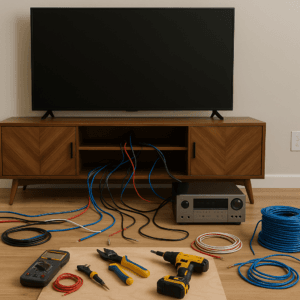
Projector mounts should be solid, quiet, and neat. We anchor into structure, run cables cleanly, and keep ventilation in mind. No spaghetti wires, no hum.
– Keep it level. Use lens shift instead of keystone. Keystone shrinks detail and adds artifacts.
– Power and signal. A ceiling outlet behind the unit and a concealed HDMI path make life easy.
– Cooling and noise. Leave space around vents. If you’re sensitive to fan noise, we’ll spec a quiet model or consider a hush cabinet.
It should look like it grew there, not like a last-minute science fair project.
Picture calibration: where “pretty good” becomes “wow”
Out of the box, many projectors look bright and punchy—but also a little off. Calibration is where skin tones get natural, shadows stay rich, and white actually looks like white.
– Grayscale and gamma. We set white to D65 and tune gamma near 2.2–2.4 for real contrast.
– Color accuracy. Dial in Rec.709 for HD, and wide color for UHD movies when supported.
– Sources matter. Apple TV 4K, Roku Ultra, or a good UHD Blu-ray player feed cleaner signals. We turn off motion smoothing (soap opera effect) and set HDR to the modes your projector handles best.
We use meters and software like CalMAN to measure, not guess. Honestly, this is where “that looks nice” turns into “wait, how is this my house?”
Sound matters too: big screen needs big audio
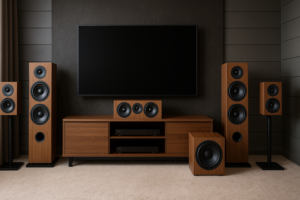
A giant image with tiny sound feels wrong. Even a modest surround setup makes a huge difference.
– Start with 5.1 or 5.1.2 Atmos. Add height speakers and it’s like the ceiling opens up.
– Pick a solid AVR. Denon, Yamaha, and Marantz pair well with today’s projectors.
– Subwoofer placement. Corners add bass, but we test positions to avoid boomy spots.
– Room treatments. A couple of panels or thick drapes tame echoes, especially in open floor plans.
If you need whisper-quiet late nights, we can program a “night mode” and balance dialog so you’re not riding the volume during every explosion.
Smart control: one-tap movie night
You want simple. Press one button, lights dim, projector warms up, AVR switches inputs, and popcorn becomes mandatory. Systems like Control4, URC, or Savant make it smooth.
– Scenes. “Movie,” “Game,” “Sunday” all run different settings and lights.
– Voice control. Hands full of snacks? Ask Alexa or Google to start the show.
– Shades and lights. Motorized shades kill glare; smart dimmers bring the mood.
Salt Lake homes mix new builds and cozy classics. We fit control to your style, whether you’re in Daybreak or a Capitol Hill charmer.
Cables, streaming, and real-world sources
Cables are boring until they break your picture. Long HDMI runs over 25 feet? Go active or fiber HDMI rated for 48 Gbps. Short runs? A certified Ultra High Speed HDMI keeps 4K HDR happy.
– Streaming speed. For 4K, plan at least 25 Mbps per stream. Many SLC neighborhoods crush that—just check your Wi‑Fi and hardwire your streamer if you can.
– eARC. If you use your TV or projector apps, make sure your AVR supports eARC for lossless audio back to your receiver.
– Power protection. A good surge protector or UPS keeps your gear safe from summer storms and winter flickers.
For discs, a UHD Blu-ray player still wins for pure quality. For casual nights, Apple TV 4K or Nvidia Shield delivers clean streams without fuss.
Common mistakes we fix all the time
– Screen too big for the seats. Looks cool; feels tiring. We right-size it.
– Keystone correction. It “works” but softens the image. We set proper mounting and lens shift.
– Cheap long HDMI cables. Random dropouts are maddening. We spec tested cable runs.
– No light control plan. Even two shades can save picture quality.
– Poor ventilation. Hot projectors fail early; we plan airflow.
– Skipping calibration. You paid for great—let’s see it.
A little planning avoids a lot of frustration. That’s the quiet win.
Seasonal note: winter nights, summer sun, and Utah dust
Winter in Salt Lake is perfect for long movie nights. Blackouts early, coziness on deck. In summer, late sun hangs around, so scenes or shades become your best friend. Another local quirk: dust. We clean filters, check vents, and set reminders so your projector stays bright. And because we’re a mile high, cooling matters—laser projectors do well here thanks to steady brightness and less heat.
It’s a small list, but it keeps your theater happy year-round.
Ready for movie magic in Salt Lake City?
If you’re imagining your first screening already, we’re right there with you. AZP Home Theaters & Automation designs and installs HD projector setups that look stunning and work simply—whether it’s a basement theater in Millcreek, a media room in Sugar House, or a great room in Holladay.
Have questions about screens, seating, or which projector fits your space? Call us at 385-475-3549 and talk to a real human who’s set up more theaters than they can count. Or, if you prefer a quick start, tap Request a Free Quote and we’ll put together a plan that fits your room, your style, and your weekend plans.
Movie night should feel easy. We’ll make sure it looks amazing, too.